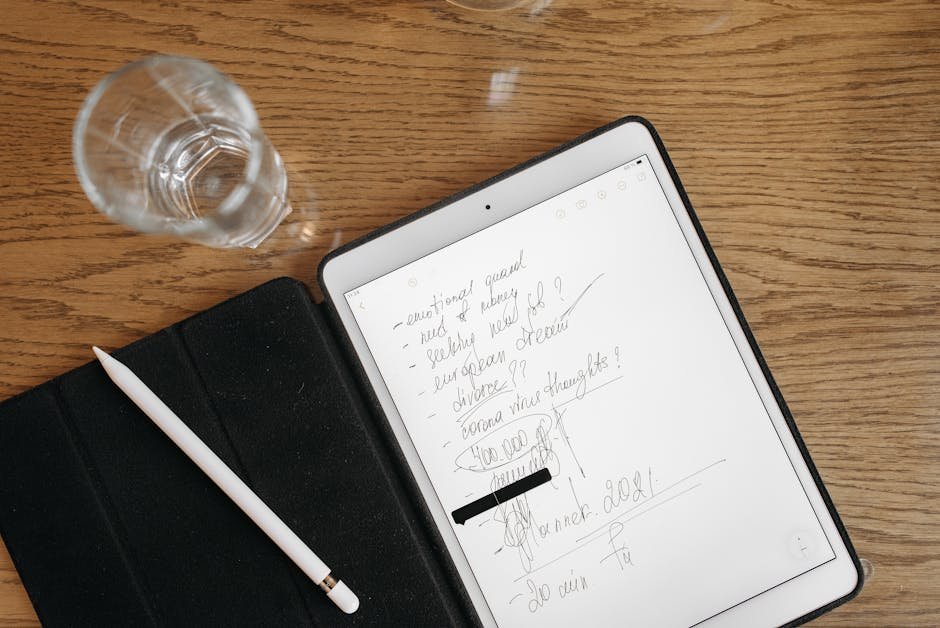
Freelancers, let’s talk about the chaos that is your digital workspace. Balancing multiple projects, client communications, and deadlines can be overwhelming. But what if I told you that the right note-taking app could be your secret weapon to taming this chaos? That’s right. The right digital notebook can streamline your workflow, boost your productivity, and help you keep track of every brilliant idea you have. Let’s delve into the best note-taking apps for freelancers in 2026, based on my personal experiences with each of them.

Why Freelancers Need a Reliable Note-Taking App
Freelancing involves juggling a myriad of tasks. From client meetings to project deadlines, keeping everything organized can feel like an uphill battle. A good note-taking app can help you capture ideas, record meeting notes, and store important information in an easily accessible place. It’s not just about writing things down; it’s about creating a system that supports your workflow.
Top Note-Taking Apps for Freelancers
Evernote
Evernote has been a staple in the note-taking app arena for years, and for good reason. Its ability to organize notes into notebooks, add tags for easy searching, and integrate with other tools makes it a powerful ally for freelancers.
– **Pricing**: Free basic plan; Premium at $7.99/month
– **Features**: Note organization, web clipper, document scanning
– **Limitations**: Free version has limited uploads, and the interface can be overwhelming for new users.
Evernote scores a solid 8/10. It’s robust and feature-rich, but the learning curve can be steep.
Notion
Notion is more than just a note-taking app; it’s an all-in-one workspace. I’ve used it to create everything from client databases to content calendars. Its flexibility is unmatched.
– **Pricing**: Free personal plan; Team plan starts at $8/user/month
– **Features**: Custom templates, databases, task management
– **Limitations**: Can be overly complex for simple note-taking needs.
Notion earns a 9/10. Its versatility is its strength, but it might be overkill if you only need basic note-taking.
Microsoft OneNote
Microsoft OneNote is a robust contender, especially if you’re already entrenched in the Microsoft ecosystem. It offers a familiar interface and seamless integration with other Microsoft tools.
– **Pricing**: Free; Office 365 subscription adds more features
– **Features**: Handwriting support, multi-device sync, integration with Microsoft Office
– **Limitations**: Slightly clunky interface, and organization can become unwieldy with large volumes of notes.
OneNote gets an 8/10. It’s a reliable choice, particularly for Microsoft users, but could use some interface improvements.
Apple Notes
For those in the Apple ecosystem, Apple Notes offers simplicity and ease of use. It’s perfect for jotting down quick notes or ideas on the go.
– **Pricing**: Free with Apple devices
– **Features**: Seamless iCloud sync, rich text formatting, note sharing
– **Limitations**: Limited features compared to third-party apps, and it’s only available on Apple devices.
Apple Notes scores a 7/10. It’s convenient and free for Apple users, but lacks advanced features.
Google Keep
Google Keep is straightforward and user-friendly, making it ideal for freelancers who need to quickly jot down ideas and tasks.
– **Pricing**: Free
– **Features**: Color-coded notes, reminders, Google integration
– **Limitations**: Basic in features and not suitable for extensive note-taking.
Google Keep earns a 7/10. It’s great for quick notes, but not for those who need more robust organizational features.
Bear
Bear is a favorite among Mac and iOS users for its beautiful, minimalist design and powerful markdown support.
– **Pricing**: Free; Pro version at $1.49/month
– **Features**: Markdown support, cross-note links, themes
– **Limitations**: Only available on Apple devices, and lacks collaborative features.
Bear receives an 8/10. It’s perfect for writers and designers who appreciate aesthetics, but not ideal for collaboration.
Comparison Table
| App | Best For | Pricing | Rating |
|---|---|---|---|
| Evernote | Comprehensive organization | Free, Premium $7.99/month | 8/10 |
| Notion | All-in-one workspace | Free, Team $8/user/month | 9/10 |
| OneNote | Microsoft users | Free, Office 365 subscription | 8/10 |
| Apple Notes | Apple users | Free | 7/10 |
| Google Keep | Quick notes | Free | 7/10 |
| Bear | Mac/iOS writers | Free, Pro $1.49/month | 8/10 |

My Verdict
Selecting the best note-taking app ultimately depends on your specific needs and ecosystem. If you’re seeking versatility, Notion stands out for its comprehensive capabilities. For those in the Apple ecosystem, Bear offers a beautiful and functional experience. Evernote remains a classic choice for those who need robust organizational tools. Evaluate what’s most important for your workflow and choose accordingly.

FAQ
What is the best free note-taking app for freelancers?
Google Keep and Microsoft OneNote are excellent free options. Google Keep is great for quick, simple notes, while OneNote offers a more comprehensive suite of features, especially for those already using Microsoft products.
Can I use these apps offline?
Yes, most note-taking apps like Evernote, Notion, and Microsoft OneNote offer offline capabilities. However, some features may be limited until you reconnect to the internet.
Which app is best for collaboration?
Notion is particularly strong in collaboration, allowing multiple users to work on the same notes and documents simultaneously. Evernote also offers some collaborative features, though they are more limited.
Are there any security concerns with these apps?
Most apps offer a reasonable level of security, but it’s always good to use strong, unique passwords and enable two-factor authentication. For added security, consider using a VPN like NordVPN to encrypt your connection.
What’s the best app for creative professionals?
Bear and Notion are excellent choices for creative professionals. Bear offers beautiful design and markdown support, while Notion provides versatile templates and databases that can cater to creative workflows.
Do these apps work across different devices?
Yes, most of these apps like Evernote, Notion, and OneNote are available on various platforms, including desktop and mobile. However, some, like Bear and Apple Notes, are exclusive to Apple devices.
Test everything. Trust nothing. — Alex
📘 Want more? Grab my free ebook: 50 Best Free AI Tools in 2026

Hey, I’m Alex — a creator tool obsessive who tests every platform so you don’t have to. Honest reviews, zero BS.
Leave a Reply