Freelancing as a developer in 2026 isn’t the freewheeling dream many imagine. It’s a jungle out there, and without the right tools, you’re more likely to face burnout than breakthrough. Let’s not sugarcoat it—most freelance developers are floundering, overwhelmed by choices and underwhelmed by results. If you’re serious about surviving, you need to arm yourself with the best tools available.
Here’s the early verdict: the tools you’re using now probably aren’t cutting it. Whether it’s clunky interfaces, hidden costs, or just plain inefficiency, many current tools will leave you frustrated. But fear not—I’ve done the legwork for you and found the best tools for freelance developers in 2026. Let’s dive into each, complete with pricing, and find out which ones you simply cannot live without.
1. Visual Studio Code: The Ubiquitous Editor
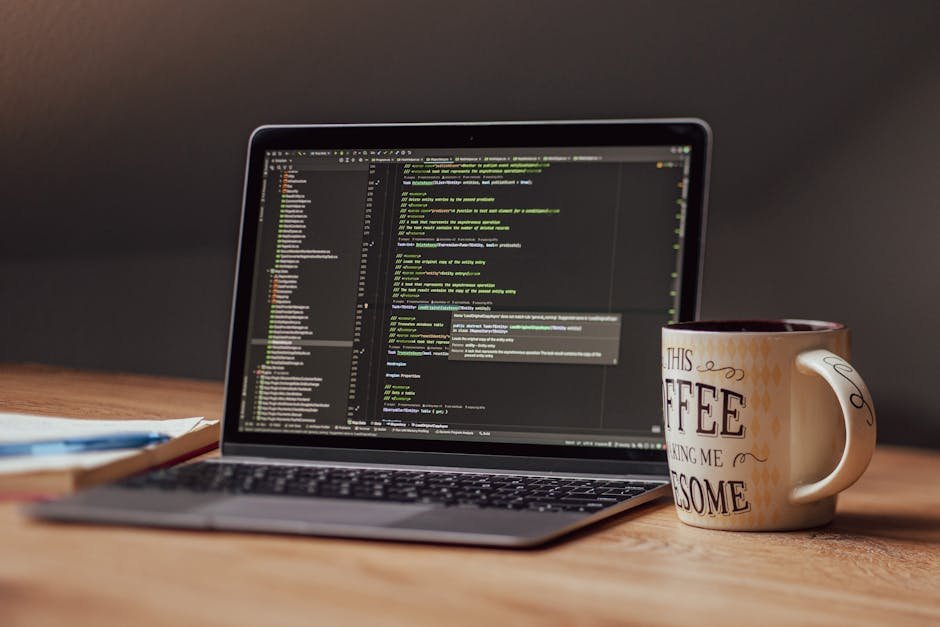
Visual Studio Code remains a powerhouse in 2026 for a reason—it’s free, flexible, and packed with features. With its vast library of extensions, it caters to nearly every language and framework under the sun, making it the go-to choice for many developers.
But here’s the catch: with so many extensions, it’s easy to get overwhelmed. The key is to only install what you need. For example, the Live Server extension is a game-changer for web developers, allowing you to see changes in real-time without refreshing your browser.
2. GitHub Copilot: AI-Powered Coding Assistant
GitHub Copilot is where AI meets code. Integrated seamlessly into your IDE, it suggests lines or whole blocks of code. At $10 per month, it’s not free, but think of it as your coding collaborator, cutting down mundane tasks and making you more efficient.
Copilot isn’t infallible, though. It occasionally offers incorrect or outdated code snippets. Use it as a guide, not gospel, and you’ll find it invaluable.
3. Docker: Containerization Made Simple
Docker is the unsung hero of modern development, especially for those juggling multiple projects. By containerizing applications, you ensure they run consistently across various environments. Docker’s Community Edition is free, and for most freelancers, that’s more than enough.
However, its learning curve can be steep. Investing time in Docker tutorials will pay dividends as you streamline your workflow and reduce deployment headaches.
4. Trello: Project Management for the Scatterbrained
Freelancers often juggle multiple projects, and Trello offers a visual way to manage them. Its free plan is surprisingly robust, allowing up to 10 boards per workspace. But beware of over-complicating things; keep your boards simple to avoid drowning in cards and labels.
For those needing more, the Business Class plan at $12.50 per user per month offers features like timeline views and advanced checklists.
5. Slack: Communication Without the Clutter
Slack continues to be the communication tool of choice for teams in 2026. Its free plan allows for essential integrations, but the real power is unlocked with the Pro plan at $6.67 per user per month, offering features like group video calls.
Remember, Slack can become a distraction if not managed well. Set boundaries and mute notifications during focus time.
6. Pictory: Video Content Creation
In 2026, video content is king, and Pictory helps developers create compelling video tutorials and presentations. Starting at $19 per month, it offers AI-driven video editing, saving you hours of manual work.
While it’s a fantastic tool, it’s not a replacement for creativity. Use Pictory to polish your content, but ensure your ideas and scripts are top-notch.
7. B12: Website Building with AI Precision
B12 uses AI to design and manage your professional website, essential for showcasing your portfolio. The Starter plan is $26 per month, offering a custom domain and SEO tools. But be warned—the AI isn’t infallible. Regularly update your site to keep it fresh and relevant.
FAQs
What are the essential tools for freelance developers in 2026?
For 2026, essential tools include Visual Studio Code, GitHub Copilot, Docker, Trello, Slack, Pictory, and B12.
Is GitHub Copilot worth the subscription?
Yes, GitHub Copilot can boost productivity with AI-assisted coding, but use it as a guide, not a replacement for your expertise.
How does Docker help freelance developers?
Docker allows developers to create consistent environments across different systems, simplifying deployment and collaboration.
Does Trello offer enough features for free?
Yes, Trello’s free plan provides ample features for project management, but its premium plan offers advanced tools for larger projects.
Is Slack necessary for freelance work?
Slack is vital for team communication, but it’s essential to manage notifications to prevent distractions.
Final Verdict
In 2026, freelance developers face a rapidly evolving landscape where tools can make or break your career. Choose wisely, and you’ll find yourself miles ahead of the competition. Ignore the trends, and you’ll be left in the dust. The tools I’ve covered are not just nice-to-haves; they’re necessities. Embrace them, and you’ll thrive in the freelance world.
Test everything. Trust nothing. — Alex

Hey, I’m Alex — a creator tool obsessive who tests every platform so you don’t have to. Honest reviews, zero BS.
Leave a Reply